
Before you build
Three decisions made before a page exists, which is why they are the ones that are expensive to change later. None of them needs a designer; each needs an hour and a pen.
01
Positioning and the client you are for
What to check Whether you can say in one sentence who you help, what you help them with, and how you work — and whether that same sentence appears on every page.
Why it matters A visitor decides within seconds whether they are in the right place, and a site written for everyone reads as written for no one.
How to fix it Write the sentence before any design work, read it to three people outside your modality, and use it as the subtitle of your homepage and the opening line of your about page.
02
The pages you actually need
What to check Whether every page on the site has a job, and whether the list stops where it should.
Why it matters Spare pages split your attention and your enquiry path, while missing pages — fees, contact, a specialty — send people back to a directory.
How to fix it Start with five: home, about, specialties or services, fees, contact. Add a page only when it answers a question those five cannot, and see the website design page for how that list is scoped.
03
Domain and account ownership
What to check Who is named as the registrant on the domain, and who holds the logins for hosting, the site and analytics.
Why it matters If the domain sits in a designer’s account or a builder’s subdomain, you do not fully own the site you paid for and leaving becomes an argument.
How to fix it Register the domain in your own name with an email address you control, keep the registrar login yourself, and ask for a written handover of every account before the final invoice.
The pages that do the work
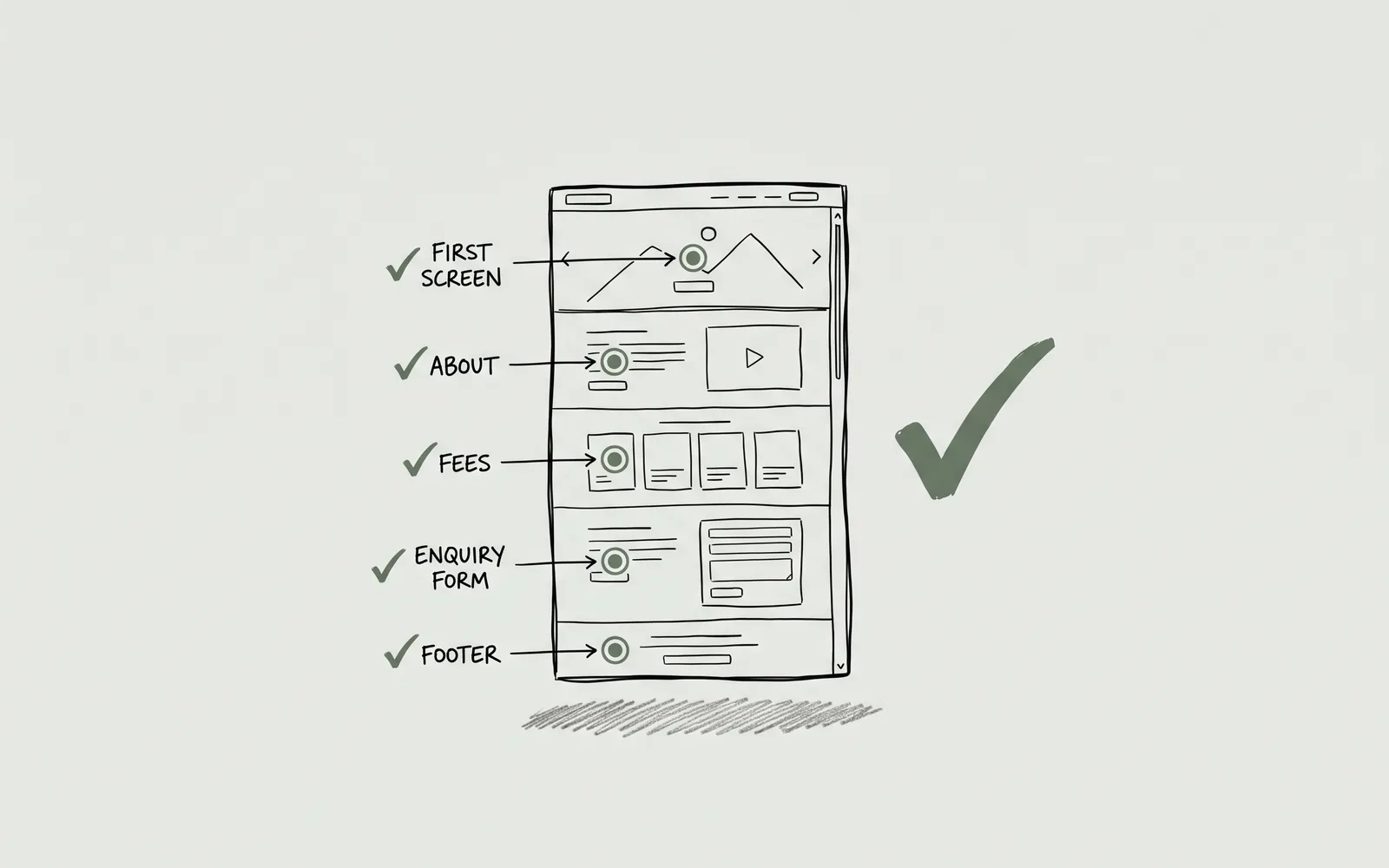
Four pages carry almost all of the decisions a prospective client makes. They are judged in a different order from the one you would choose, so each check below describes what the reader sees first.
01
The first screen of your homepage
What to check Whether the top of the homepage says what you do, who for, and where, with one obvious next step, before anything scrolls.
Why it matters Most visitors arrive from a directory or a search result, read one screen and either click or leave.
How to fix it Put the sentence from check 01 into the headline area, add one line naming the format and place (in person, online, or both), and give the screen a single button to the enquiry page.
02
The about page
What to check Whether a nervous reader can tell who you are, how you work and what a first session would be like within a minute.
Why it matters People choose a therapist rather than a service, and a page that lists qualifications without describing the work leaves them guessing.
How to fix it Write it in the first person, name your modality in plain terms, describe the first session, and use a real photograph. Credentials belong here as well as in the dedicated block in check 08.
03
Fees, insurance and what a session costs
What to check Whether your fee, session length, cancellation terms and insurance panels are on the site as text, not only inside a PDF or a booking widget.
Why it matters Price is one of the first things people look for, and hiding it moves the question into an email you then have to answer one at a time.
How to fix it Publish a fee table with session length and any sliding scale, name the insurers you are in network with, and put a date on the page. The cost guide covers what else to budget for beyond the session fee.
04
Contact and the enquiry form
What to check Whether there is one obvious way to get in touch, and whether the form asks only what you need in order to reply.
Why it matters Every extra field is another reason to stop, and a form that fails without saying so loses the enquiry entirely.
How to fix it Put phone, email and the form on one page, keep the form short, send the sender a confirmation, and test it from a phone and from a desktop before launch.
Trust and accessibility
These are the details a reader uses to decide whether contacting you is safe, and the ones a phone exposes first. Most are edits rather than rebuilds.
01
Credentials, registration and scope
What to check Whether your registration body, membership number, qualifications and the limits of your practice are visible and spelled out.
Why it matters A stranger is deciding whether you are safe to contact, and vague credentials read as unverified ones.
How to fix it Add a short credentials block to the about page and the footer, use only the post-nominals you are entitled to, and say plainly what you do not work with.
02
Privacy, consent and what the form collects
What to check Whether a privacy notice explains what the site collects, where enquiries go, how long they are kept, and which tools see the data.
Why it matters People write about their mental health in these forms, and an unexplained form is a reason not to send.
How to fix it Publish a plain-language privacy page, link it directly under the form, keep clinical detail out of the website form, and load analytics or cookies only with consent where it is required.
03
How the site behaves on a phone
What to check Whether every page works at 390 pixels wide: readable without zooming, tappable buttons, no sideways scrolling, and a menu you can close.
Why it matters Most first visits happen on a phone, often in a private moment, and a broken layout ends the visit before your words are read.
How to fix it Test on a real handset rather than a resized browser window, then check the menu, the form and the fee table. Fix overflow before adding anything new.
04
Reading level and images
What to check Whether the copy uses short sentences and everyday words, and whether every image is one you have the right to use and carries alt text.
Why it matters An anxious reader skims, and a stock photograph of a stranger on a sofa undercuts the credibility the words have just built.
How to fix it Cut sentences to under twenty words, replace clinical jargon with the words clients use, swap stock for your own photographs, and describe each image in its alt text.
Being found
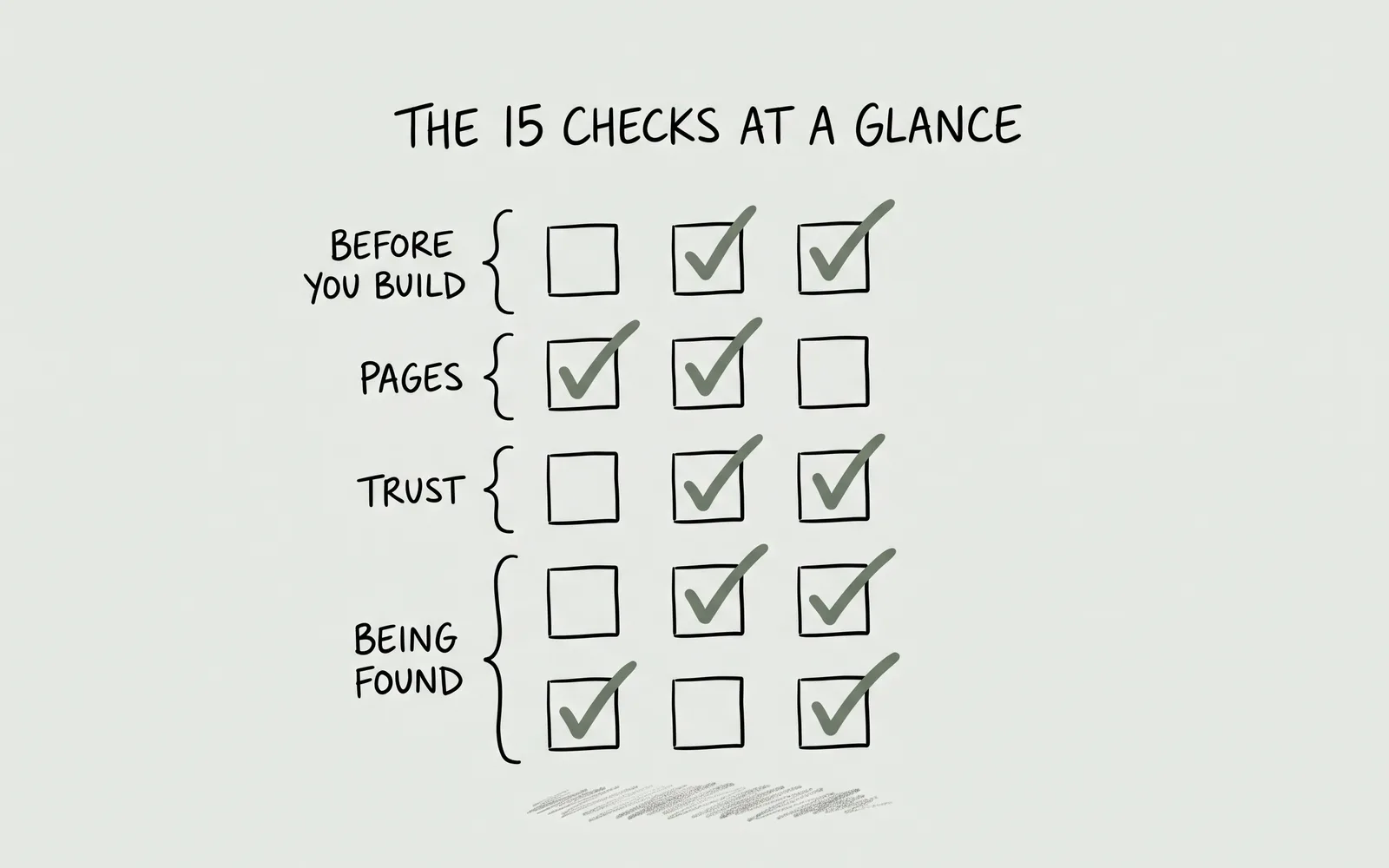
Four checks about being found by someone who does not know your name. They are the last group because they only work once the pages above exist to be found.
01
Local search: your pages and your Google profile
What to check Whether your location and service area appear in page titles, headings and body copy, and whether your Google Business Profile is claimed, verified and linked to the site.
Why it matters A search for a therapist near me is a local query, and Google needs a page and a profile that agree before it can match either to you.
How to fix it Name your town or area naturally on the homepage and contact page, add one page per location or service you genuinely offer, and complete the Google profile with the same name, address and hours as the site.
02
Directory profiles
What to check Whether the directories you already pay for carry the same name, phone number, area and website link as your site.
Why it matters Inconsistent details split the signals that place you locally, and an old link sends people to a page you no longer update.
How to fix it Audit each profile once, point every link at the new site, and reuse the site’s own wording instead of writing a second biography that drifts.
03
Structured data (schema)
What to check Whether the practice, the person and the questions on the page are marked up in a format search engines can read.
Why it matters Schema is how a page states in machine-readable terms that this is a therapist in this city with these fees, and it is what makes rich results possible.
How to fix it Add LocalBusiness or ProfessionalService and Person markup to the pages they describe, keep FAQ markup identical to the visible answers, and validate the result before launch.
04
Page speed
What to check Whether the homepage arrives in a few seconds on an ordinary phone connection, and what is slowing it down.
Why it matters Slow pages lose people before your words appear, and speed is measured on real visits rather than on a fast office connection.
How to fix it Compress and resize every image, remove plugins and font families you are not using, and test the page on a throttled connection instead of your own wifi.
Download the Therapist
Website Checklist PDF
Checked — your checklist is ready.
JavaScript is off, so the form cannot run. Download the PDF directly.
Working through the checklist
Five questions that come up once people start marking the list. Process, timelines and ownership are covered on the main FAQ.
What pages does a therapist website actually need?
Five pages cover a solo practice: home, about, the specialties or services you offer, fees, and contact. A group practice usually adds clinician profiles, and a practice with more than one location or a distinct programme adds a page per location or service, because each one answers a different question.
How long does it take to work through this checklist?
An hour gets you a first honest pass, and a week is more realistic once a fee page, an about page and a privacy notice have to be written rather than reviewed. The three checks most practices stall on are fees, the enquiry form and the first screen of the homepage.
Do I need a developer to fix what the checklist finds?
Most of the list is writing and decisions rather than code: positioning, fees, credentials, privacy wording and images. Schema, redirects and speed usually need someone technical, and the fix is worth pricing separately from a rebuild rather than assumed.
Is the checklist different for a group practice?
The fifteen checks are the same, with three additions: a profile per clinician that states their own registration and specialties, a single fee and insurance page that stays consistent across the team, and an enquiry route that sends people to the right clinician rather than one inbox.
Does the checklist cover SEO and Google Business Profile?
The fourth group covers local search, directory profiles, schema and speed, which is the groundwork rather than a campaign. It will not produce rankings on its own, and nobody can promise a position; it makes the pages readable and the practice findable when someone searches by name or area.
Where to go next
If the list raised a question about your own site, Website Design covers structure and layout, what a build costs explains the numbers behind the tiers, and Pricing lists every add-on. When you are ready, price your own build.
General educational guidance, not clinical, legal, or financial advice.